


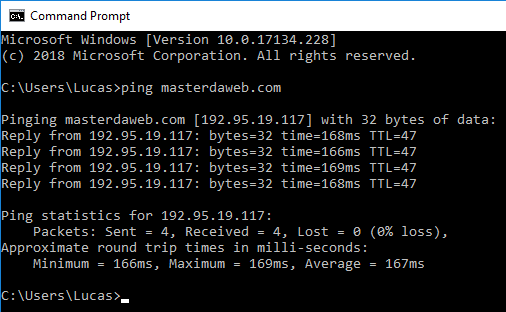
General versions of Windows desktop and Windows Server come with the ICMP protocol blocked by default, meaning that it is not possible to perform ping tests.
How to release ping (ICMP) in Windows Firewall
First, open the Command Prompt as an administrator:

We can now release the ICMPv4 and ICMPv6 protocol using the following commands in CMD:
netsh advfirewall firewall add rule name="ICMP Allow incoming V4 echo request" protocol=icmpv4:8,any dir=in action=allownetsh advfirewall firewall add rule name="ICMP Allow incoming V6 echo request" protocol=icmpv6:8,any dir=in action=allowTags#Firewall#icmp#ping#Windows