


Some people have trouble finding the .htaccess file that is usually hidden in the public_html folder, so in this week’s post we’ll teach you how to display the hidden files in the cPanel manager.
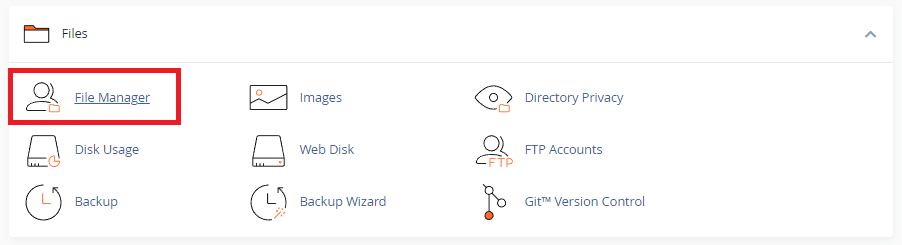
1. First, let’s access the cPanel file manager.
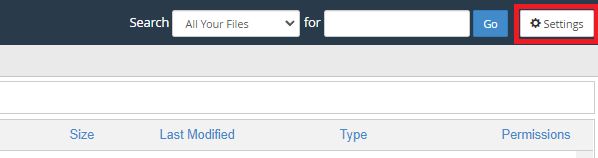
2. Then click on the “Settings” button in the top right-hand corner if your cPanel language is set to Portuguese.
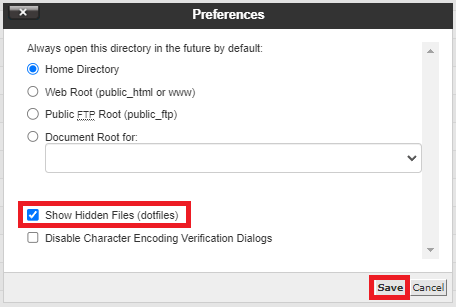
3. Now check the box “ShowHiddenFiles (dotfiles)” and click “Save“.
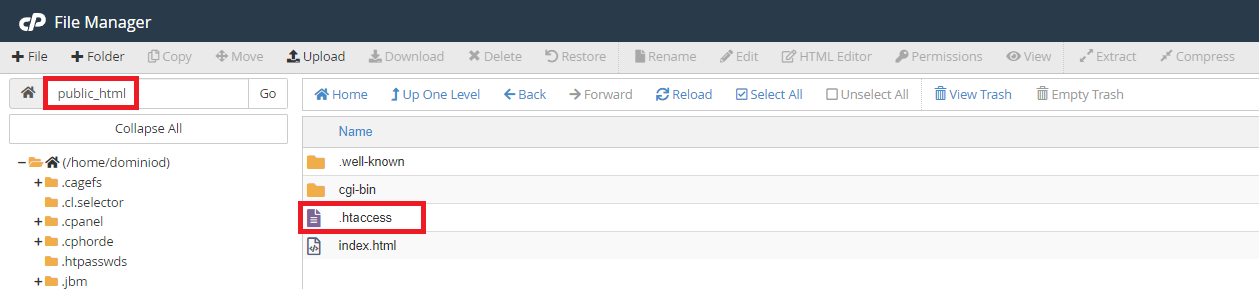
OK, now we can see the .htaccess file in the public_html folder.
Master da Web, your Cloud solution! ☁️
Tags#.htaccess#Accommodation#cpanel