Linux
Changing the TimeZone in Debian 8 Jessie
By Lucas
July 23, 2017
1 min min read

The TimeZone in Debian 8 can be changed with just one command.
To list the available timezones, use the command:
timedatectl list-timezones
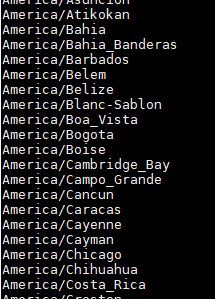
Simply choose a TimeZone from the list shown, and then use the command to “set” the desired TimeZone. Considering that we have chosen the TimeZone “America/Sao_Paulo”, we use the command:
timedatectl set-timezone America/Sao_Paulo
That’s it!
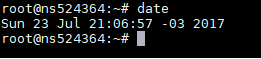
Use the “date” command to check the change.