Manage your Linux Servers Easily Using Cockpit

Introduction
If you manage Linux servers, you know that the command line is powerful, but can be intimidating for beginners or inefficient for simple day-to-day tasks. That’s where Cockpit comes in, an intuitive, lightweight, and powerful web interface for managing Linux servers directly from your browser. It allows you to monitor the system, manage services, users, containers, disks, and even update the system — all without leaving the comfort of a graphical interface.
What is Cockpit?
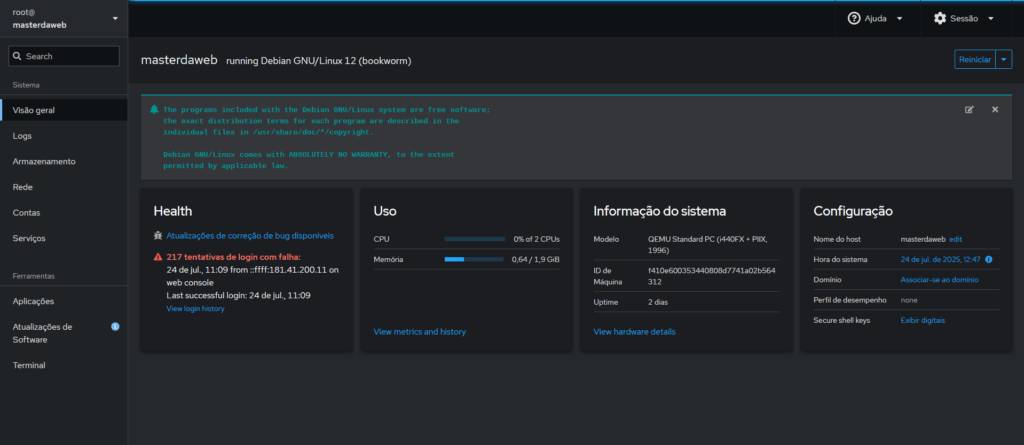
Cockpit is a Linux system management tool with a web interface, developed by the Fedora project and maintained by Red Hat. It connects to your server via browser and allows a series of administrative tasks, such as:
- Monitoring CPU, memory, and disk usage;
- Service management (systemd);
- Remote terminal access;
- User administration;
- Network and firewall management;
- Native support for containers via Podman;
- Viewing and manipulating system logs (journald);
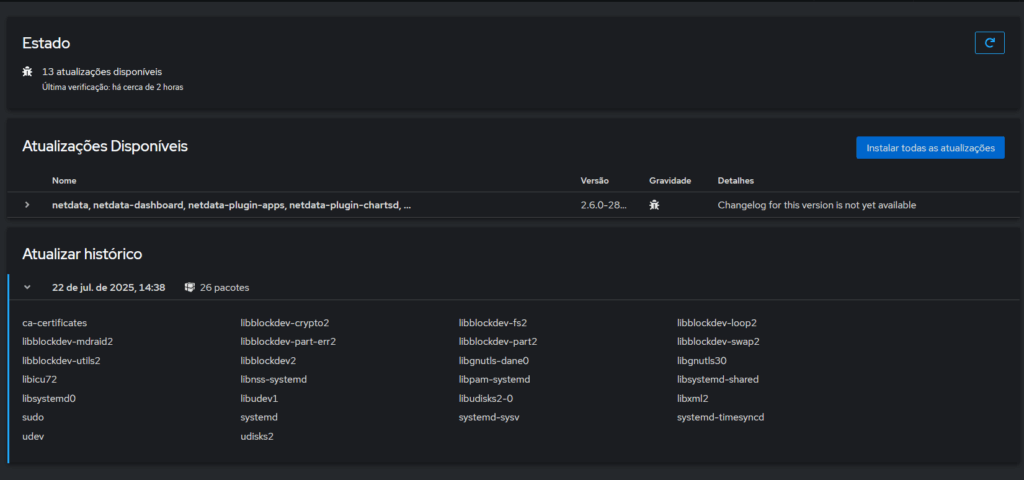
- Installing and updating packages.
Advantages of Cockpit
- Intuitive interface: Ideal for those who prefer or need a GUI.
- Lightweight and modular: Doesn’t consume many resources and can be extended with plugins.
- Simple installation: A single package installs everything you need.
- Security: Uses PAM authentication (like SSH) and supports HTTPS.
- Remote management: Administer multiple servers centrally.
- Container integration: Manage Podman containers directly from the interface.
- Open Source: Completely free and open source.
How to Install Cockpit
sudo apt update
sudo apt install cockpit -y
sudo systemctl enable –now cockpit.socket
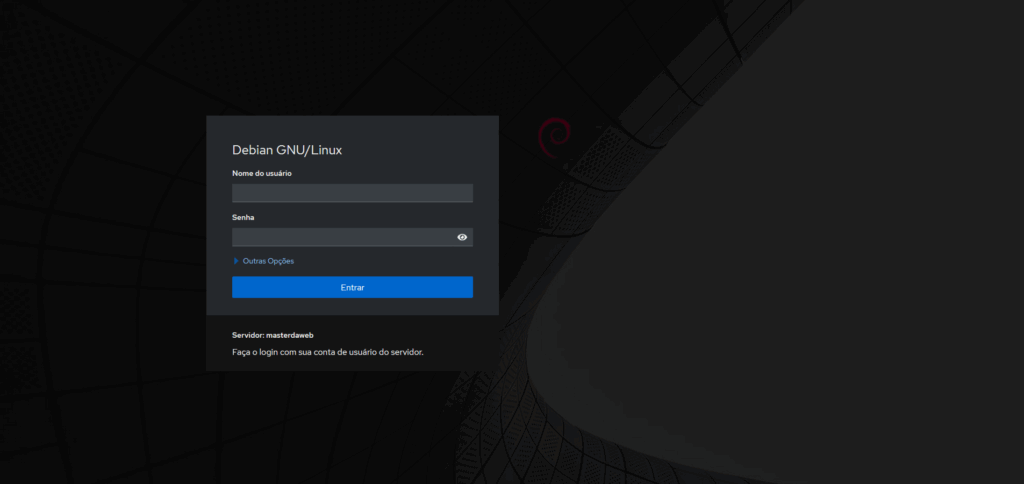
Access is done through the IP
Username and password used on the machine.