


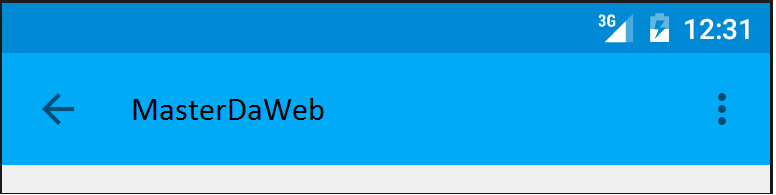
It’s always convenient to have that little button to “go back” to the previous Activity, and to add it is very simple, just add a directive in your“AndroidManifest.xml“.
  <activity
            android:name=".BackButtonActivity"
            android:parentActivityName=".MainActivity">
            <!-- Este meta dado é necessário para versões abaixo da 4.1 -->
            <meta-data
                android:name="android.support.PARENT_ACTIVITY"
                android:value=".MainActivity" />
        </activity>
MainActivity corresponds to the Activity to which the application should return when we click on “return”.
Tags#android toolbar